Free Easy OCR Converter in Pushto; Pashto
Convert images to Pushto; Pashto text online for free. Our fast and accurate OCR tool extracts text from scanned documents, photos, receipts, and handwritten notes in Pushto; Pashto without requiring registration.
OCR Text Extraction Tool
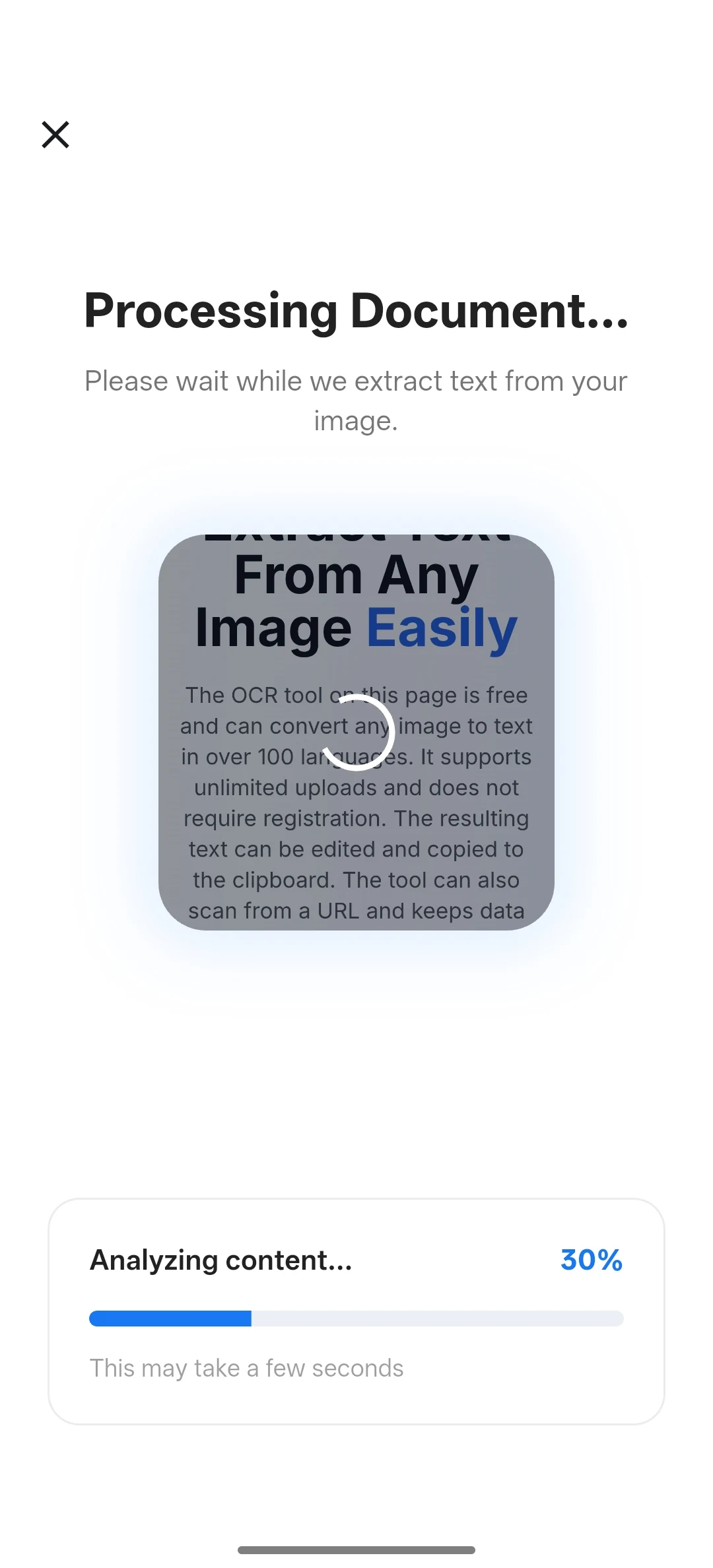
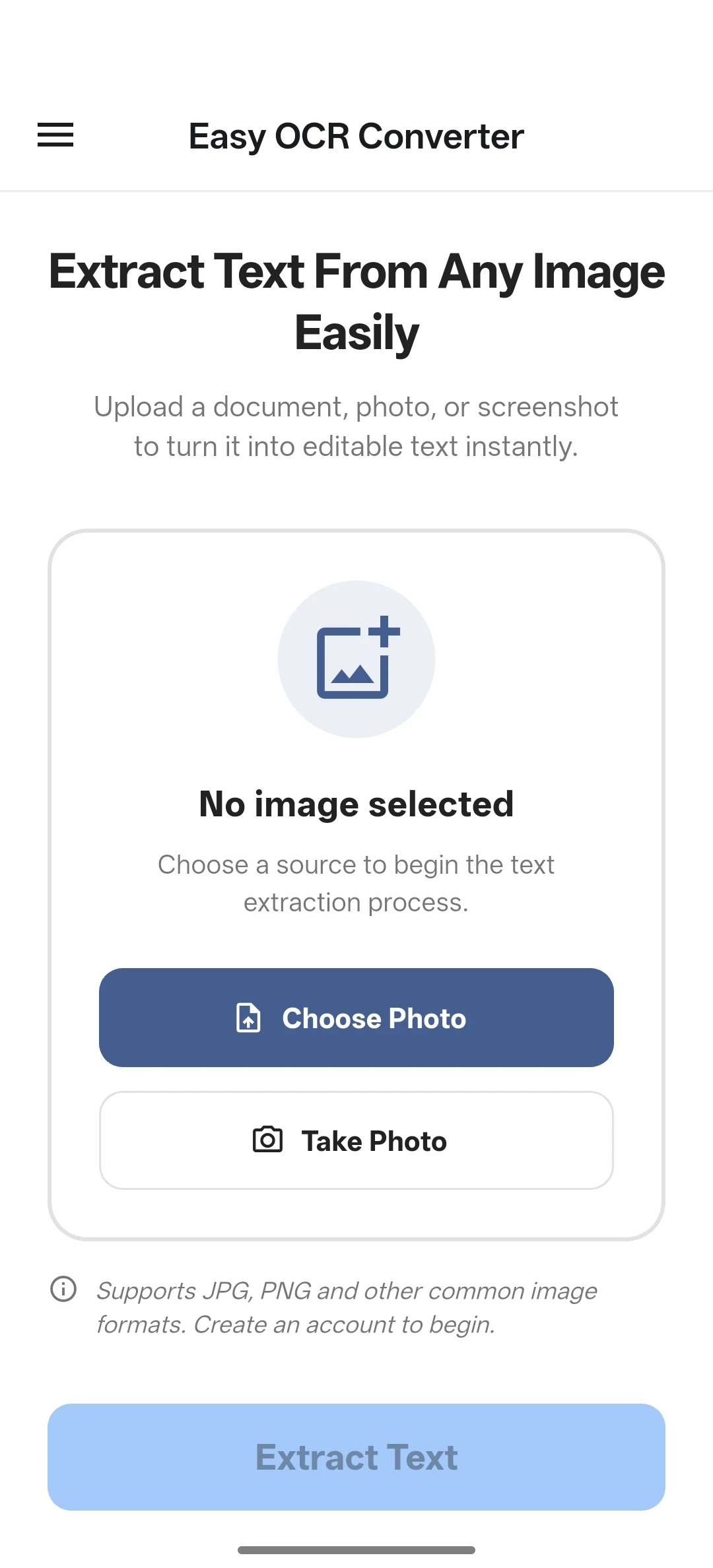
Using the OCR Converter tool is easy. To get started, simply upload an image file to the tool. The tool will then analyze the image and extract any text that it finds. Once the text has been extracted, you can edit it as needed and then save it as a text file.
Take Easy OCR everywhere you go.
Experience lightning-fast text extraction on the go. Capture documents, receipts, and notes directly from your phone's camera and convert them into editable text instantly.
Scan & Download
Point your camera to get the app instantly
Key Features
Use Easy OCR Converter for quick image-to-text tasks, language-specific recognition, editable output, and URL-based image OCR.
Lightning Fast
Extract text from images in seconds with our optimized OCR engine
100+ Languages
Support for over 100 languages including complex scripts and handwriting
Privacy First
Files are sent to the OCR API for processing; see the privacy policy for retention and third-party details
Free Service
The website OCR tool can be used without creating an account
Editable Text
Extracted text can be edited and copied to clipboard for further use
Accuracy
Clear, high-contrast images and correct language selection usually produce cleaner output
Versatility
Supports various image formats including JPG, PNG, etc.
Scan from URL
Extract text from any URL directly without uploading the image
Text download
Download extracted text as a .txt file after reviewing the output
Need an API?
Integrate Easy OCR Converter into your application with a REST API for image-to-text extraction. Contact us to confirm availability, limits, and integration details for your workflow.
- REST API access for application workflows
- Usage terms discussed before production rollout
- Affordable pricing with no hidden fees
OCR for more than 100 supported languages
The Easy OCR Converter tool is a free online tool that can extract text from images in multiple languages. It supports over 100 recognition languages and allows users to upload images or scan from a URL. The tool is user-friendly and does not require registration.
Don't see your language?
We're constantly adding support for new languages and scripts. Contact us to request support for additional languages.
Request Language Support